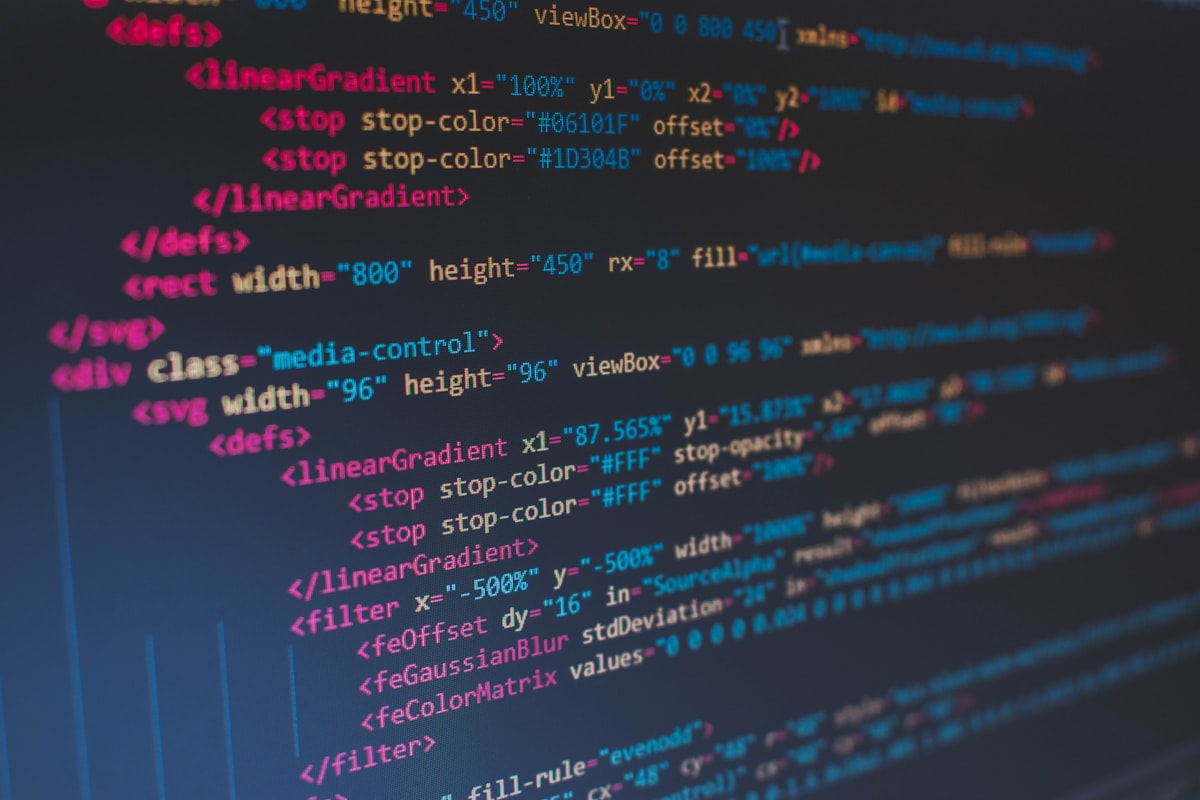
Open the source of any modern webpage. What you’ll find is thousands of lines of HTML—navigation bars, footers, sidebars, ad containers, tracking scripts, cookie banners, newsletter popups, social sharing widgets. Buried somewhere in that noise is the actual content. The article. The documentation. The information someone actually came to read.
Extracting that content cleanly is a problem developers run into constantly. Whether you’re building a read-later app, migrating content between platforms, feeding text to an AI model, or archiving information for research, you need the content without the cruft.
Why Raw HTML Is Useless
You might think fetching a webpage and stripping the tags gives you the content. Try it on any real webpage and you’ll understand why that doesn’t work.
A typical blog post lives inside a <main> or <article> tag, but it’s surrounded by dozens of <div> elements containing things that aren’t the content. The navigation has text. The footer has text. The sidebar has text. Related article sections have text. Cookie consent banners have text. All of it is valid HTML, and none of it is the article.
Stripping tags removes the structure but keeps all the noise. You end up with the article text mashed together with navigation links, footer disclaimers, sidebar promotions, and whatever else lives on the page. Completely unusable.
Proper content extraction requires understanding what the page is about and isolating the primary content from everything else. This is a surprisingly hard problem that’s been studied for over a decade, with algorithms like Readability (the one behind Firefox’s Reader View) and various boilerplate detection methods.
Markdown as the Output Format
Why Markdown specifically? Because it preserves structure while being universally portable.
HTML preserves structure too, but it carries presentation concerns. CSS classes, inline styles, framework-specific attributes—all tied to the original site’s design system. Moving HTML between systems means cleaning up all that presentation baggage.
Plain text loses structure entirely. Headings become regular lines. Links lose their URLs. Lists become indistinguishable from paragraphs. You can’t tell where a section begins or what’s emphasized.
Markdown sits in the sweet spot. It preserves headings (##), links ([text](url)), lists, bold/italic emphasis, and code blocks. But it carries zero presentation information. It renders cleanly in any Markdown-capable system—GitHub, Notion, static site generators, documentation platforms, or even a plain text editor.
This makes Markdown the ideal intermediate format. Extract from any source, output Markdown, then render it however you need. Think of it as plain text that didn’t skip leg day—just enough structure to be genuinely useful.
Use Case: Content Migration
Moving content between platforms is one of the most common reasons to extract web content.
Say you’re migrating a blog from WordPress to a static site generator like Astro, Hugo, or Next.js. Your old posts are in WordPress’s HTML format, complete with WordPress-specific shortcodes and CSS classes. Your new platform wants Markdown files.
You could export the WordPress database and parse the HTML. But that gives you WordPress-flavored HTML full of wp-block-* classes and shortcode syntax that no other platform understands.
The cleaner approach: point a content extractor at each published URL and get back clean Markdown. The extractor ignores the WordPress theme, the sidebar widgets, the comment sections. It pulls the article content and converts it to portable Markdown that works anywhere.
This works for any source platform. Migrating from Medium? From Ghost? From a custom CMS? If the content is accessible via URL, it can be converted to Markdown.
Use Case: AI and LLM Pipelines
Large language models need clean text. Feed them a raw HTML page and they waste context window on navigation menus, script tags, and boilerplate. Feed them extracted Markdown and they get the actual content with structural context preserved.
This matters enormously for retrieval-augmented generation (RAG) systems. Garbage in, hallucinations out. When your application retrieves web pages to answer user questions, the quality of the retrieved content determines the quality of the answer. If the retrieved “content” is mostly navigation links and cookie banners, the model’s response will be confused or hallucinated.
Markdown extraction cleans the input pipeline. Each URL becomes a clean document with headings, paragraphs, and links—exactly what the model needs to generate useful responses.
The word count in the response also helps you manage context windows. If the extracted content is 5,000 words and your model context is 8,000 tokens, you know you need to summarize or chunk the content before including it. Without word count metadata, you’re guessing at token usage.
Use Case: Research and Archiving
Web content disappears. Pages get taken down, domains expire, companies shut down, articles get edited. If you need to reference web content later—for research, compliance, or legal purposes—you need to save it.
Archiving as Markdown has advantages over saving HTML or screenshots. Markdown files are tiny (kilobytes versus megabytes for full HTML with assets). They’re searchable with basic text tools. They’re version-controllable with Git. They render in any text editor.
A research workflow might look like: find relevant articles, extract each to Markdown, save with metadata (source URL, extraction date, word count), and organize in a searchable archive. Months later, you can search your archive, find the relevant document, and cite it with the original URL—even if the original has since been taken down.
Use Case: Read-Later and Digest Tools
Pocket, Instapaper, and similar read-later tools solve the same core problem: extract the readable content from a webpage and present it cleanly. Building a custom version of this—whether for personal use, a team knowledge base, or a customer-facing feature—requires content extraction.
Newsletter digests work similarly. Aggregate content from multiple sources, extract the articles, summarize or truncate them, and compile into a single readable email or document.
The word count from extraction helps with digest curation. If your weekly digest should take 10 minutes to read (roughly 2,500 words), you can select articles that fit within that budget and trim or summarize others.
What Good Extraction Looks Like
A well-extracted page preserves several things:
Headings maintain their hierarchy. The article’s H1, H2, and H3 structure carries over to Markdown heading levels. This lets you navigate the document, generate a table of contents, or break the content into sections.
Links survive as Markdown links with their original URLs. If the article references external sources, those references remain clickable. For content migration, this means your internal links can be updated to new URLs in a search-and-replace pass.
Lists stay as lists. Bullet points and numbered lists render as Markdown lists rather than being flattened into paragraphs.
Code blocks are preserved when present. Technical documentation often includes code examples, and losing those to paragraph formatting would destroy the content’s utility.
Images are referenced but not downloaded. The Markdown includes image references with the original URLs. You can download and re-host images separately if needed. This keeps the extraction lightweight and fast.
The Extraction Call
Extracting a webpage to Markdown is a single POST request:
const response = await fetch('https://api.apiverve.com/v1/urltomarkdown', {
  method: 'POST',
  headers: {
    'x-api-key': 'YOUR_API_KEY',
    'Content-Type': 'application/json'
  },
  body: JSON.stringify({
    url: 'https://example.com/blog/interesting-article'
  })
});
const { data } = await response.json();

// data.title → "The Interesting Article"
// data.markdown → "# The Interesting Article\n\nFirst paragraph..."
// data.wordCount → 2847
// data.linkCount → 14
The response includes the page title, the full Markdown content, and metadata about what was extracted—word count, image count, and link count. This metadata helps you decide what to do with the content before processing it.
Dealing with Edge Cases
Not every webpage extracts cleanly. Some edge cases to be aware of.
JavaScript-rendered content is the biggest headache. Single-page applications that render content entirely in JavaScript after page load don’t serve readable HTML in the initial response. The extraction sees the JavaScript bundle, not the rendered content. Most traditional websites, blogs, documentation sites, and news outlets serve HTML directly and extract well.
Paywalled content returns only what’s publicly visible. If an article shows the first three paragraphs and hides the rest behind a paywall, that’s all the extraction will capture.
Heavy advertising can confuse extraction algorithms. Pages where ads are interspersed with content might include some ad text in the output. This is rare with good extraction, but it happens on particularly ad-heavy sites.
Non-article pages like homepages, category pages, and search results don’t have a single “article” to extract. The extraction might return navigation text or a collection of snippets rather than coherent content. These pages aren’t good extraction targets.
For anything production-facing, validate extraction results. Check that the word count is reasonable (an article with 50 words almost certainly extracted poorly), that the title was found, and that the Markdown contains actual content. If you only need plain text without formatting, a website-to-text conversion is a lighter alternative worth considering.
Keep Reading
- Take Your App Multilingual (No Rewrite)
- Enrich Your CRM with Public Company Data
- Generate Barcodes for Inventory and Shipping
Extract web content cleanly with the URL to Markdown API. Get plain text with the Website to Text API. Scrape links with the Link Scraper API. Build content pipelines that work with any source.